 NDrive File Manager
Secure Vault
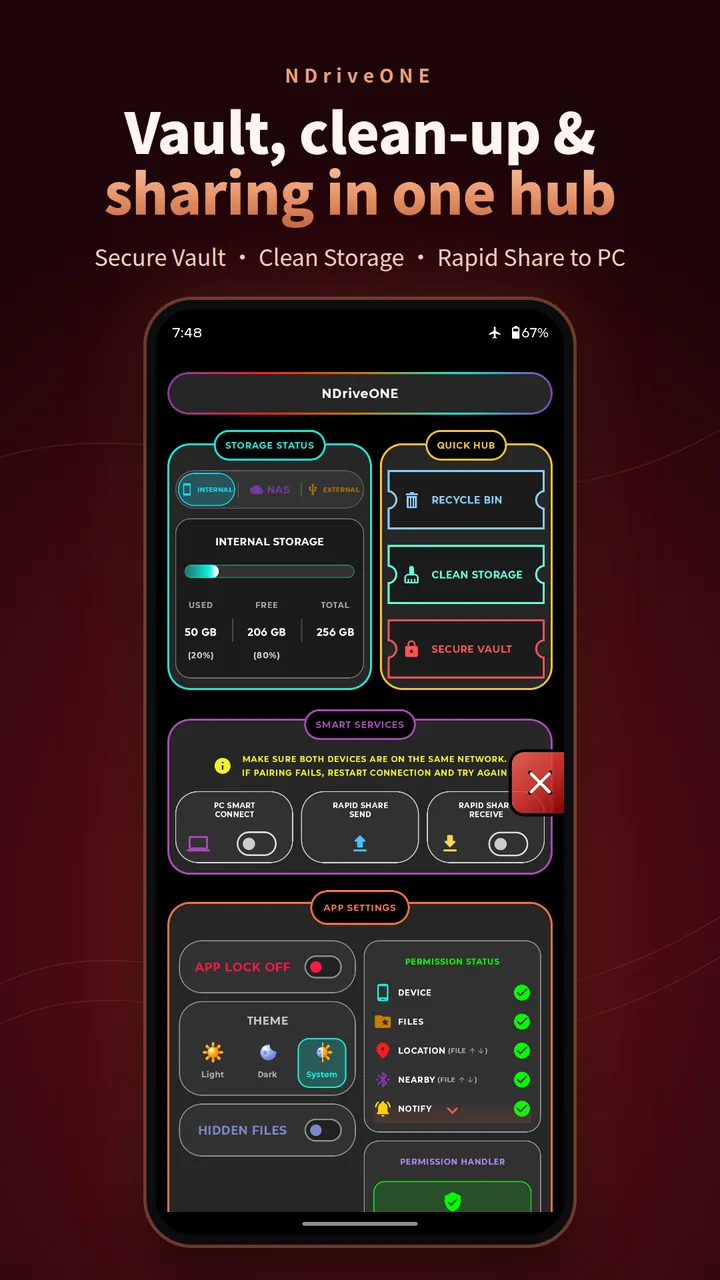
Lock private files behind a PIN plus fingerprint or face unlock. Vault items stay in app-private storage on your phone, and biometric data never leaves Android's own system.
Verifying your connection before entering the website.
The old NDrive File Manager is no longer supported for support or future updates. Kindly uninstall it and install the new NDriveONE app.
A premium, local-first digital terminal for Android. Manage, edit, stream and share across your phone, PC and NAS. Nothing ever goes through a cloud you don't own.
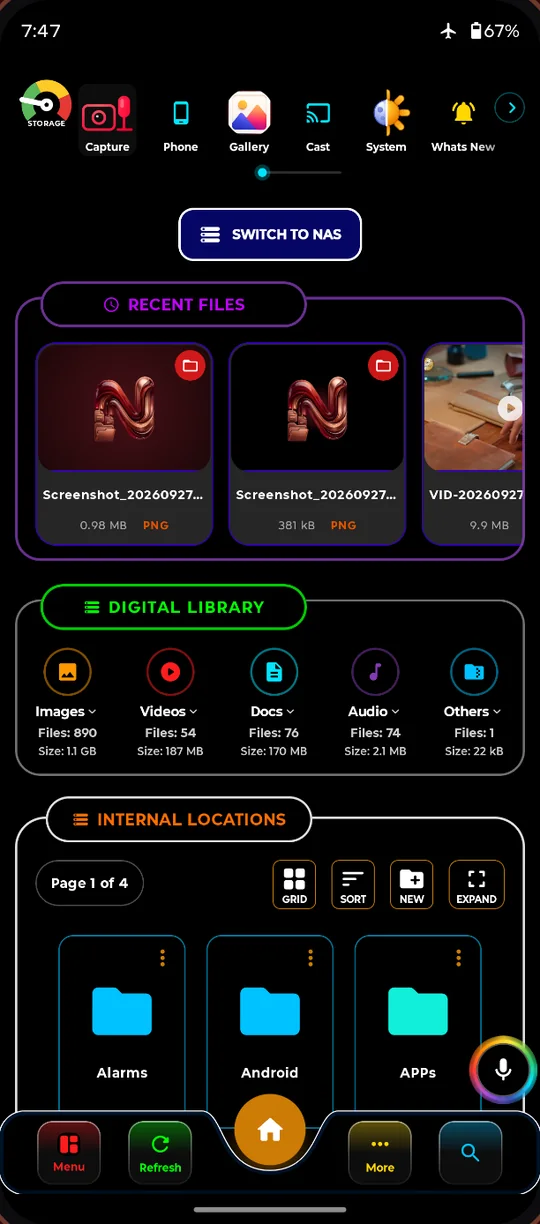
These are real screens from NDriveONE. Tap a feature to see it.
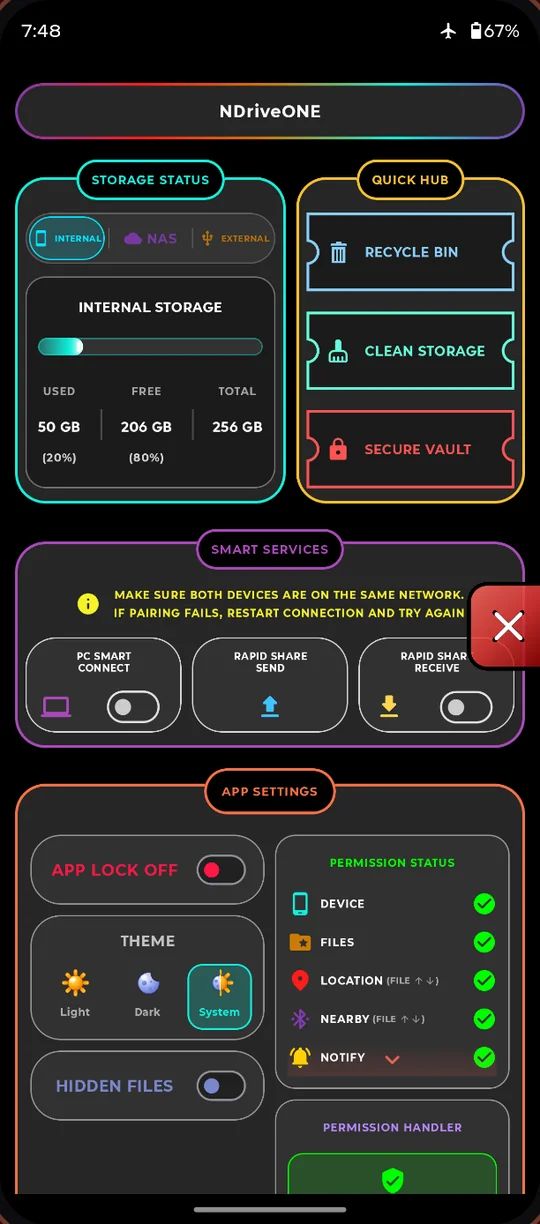
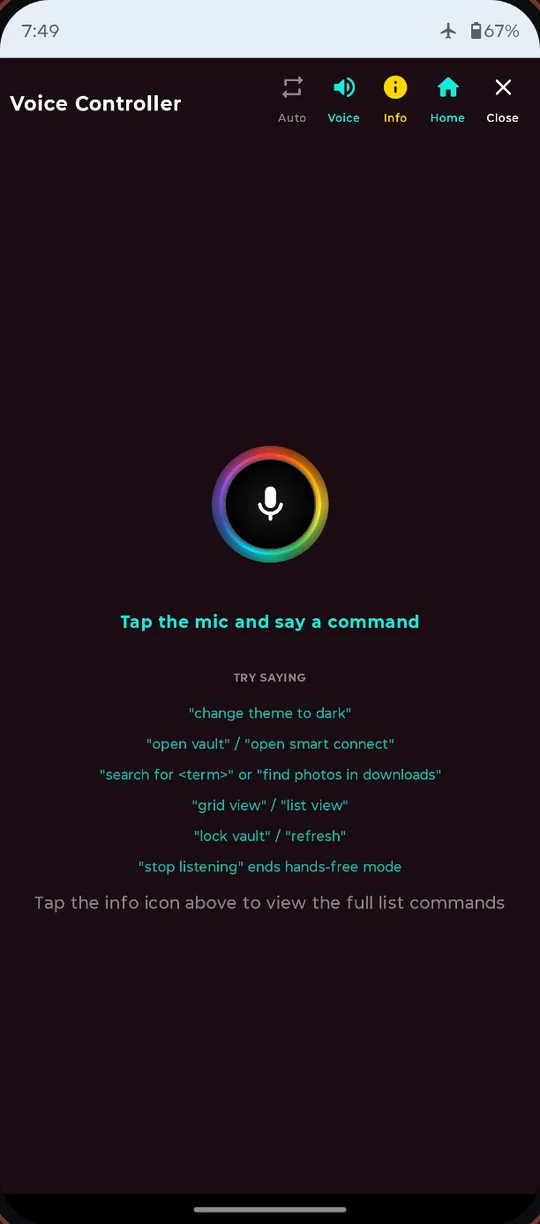
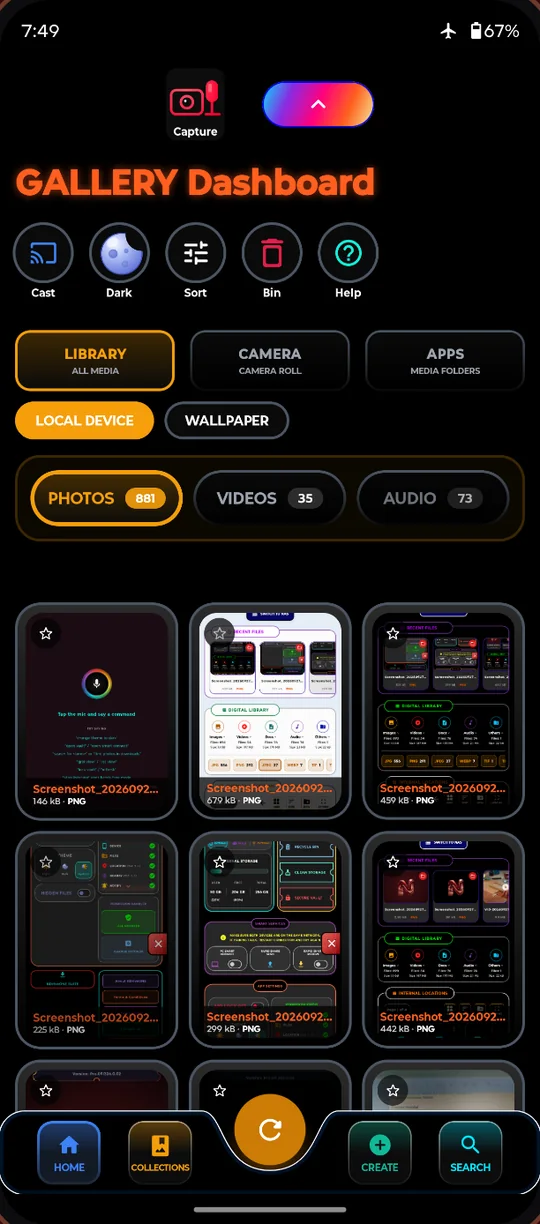
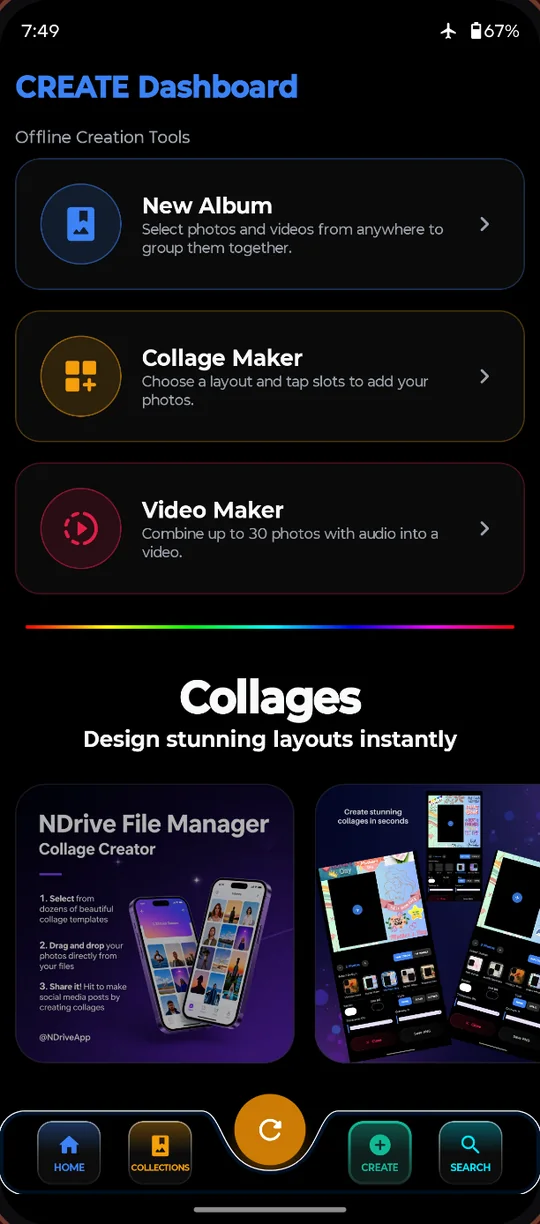
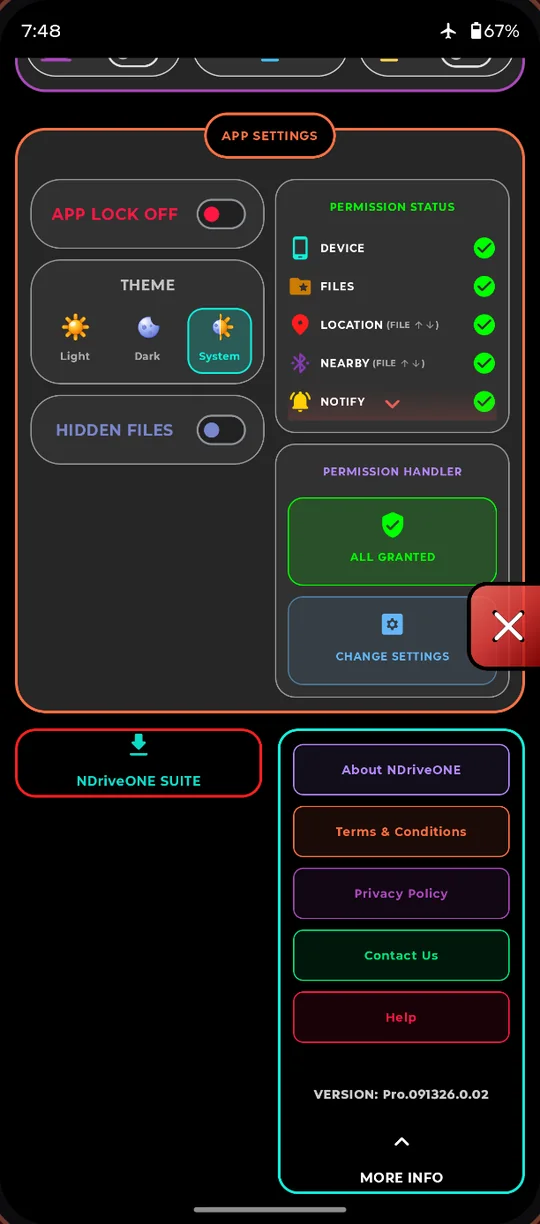
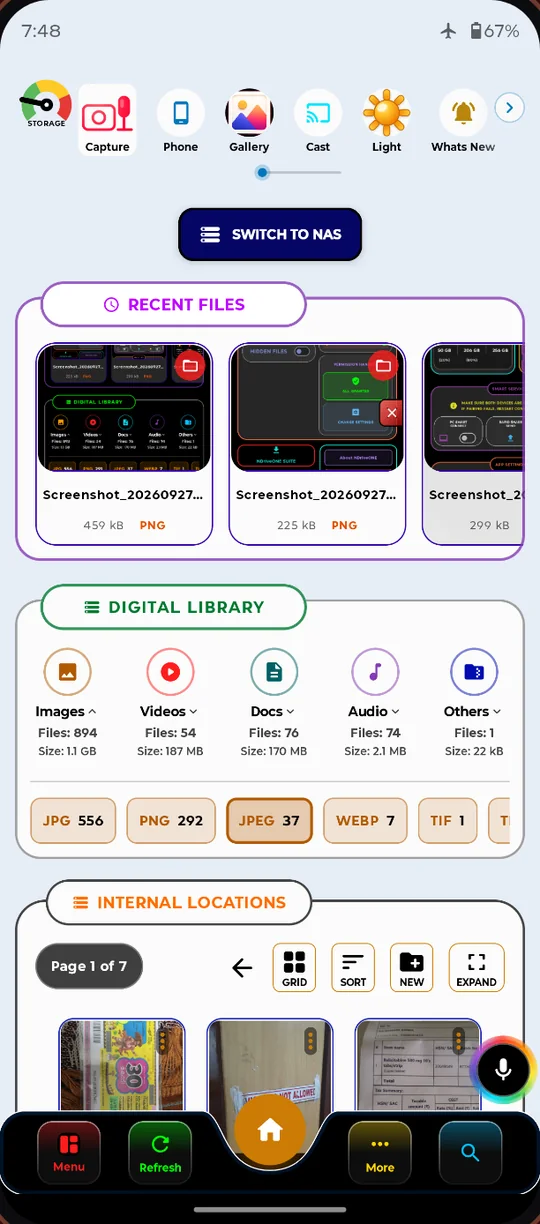
NDriveONE replaces a whole drawer of apps: file manager, vault, scanner, PDF reader, recorder, notes and a remote desktop bridge. It's all built to work offline, on your device.
Lock private files behind a PIN plus fingerprint or face unlock. Vault items stay in app-private storage on your phone, and biometric data never leaves Android's own system.
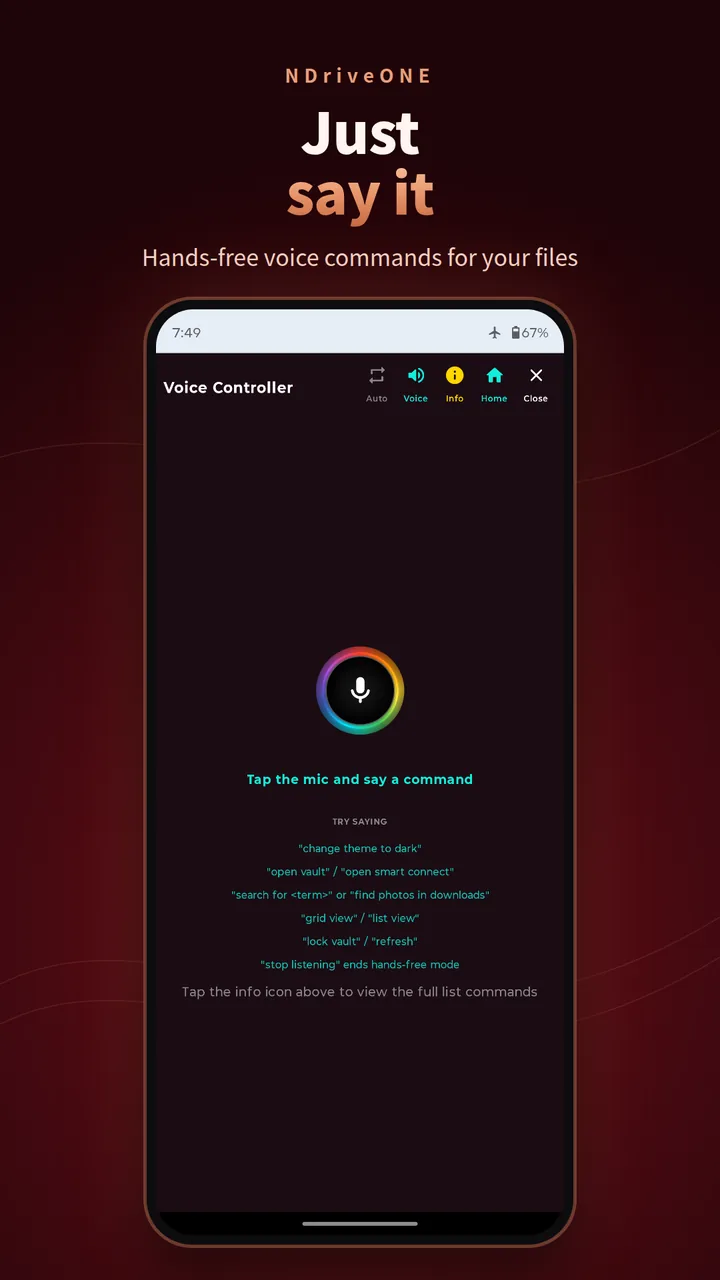
Tap the mic and talk. Change themes, open the vault or find files hands-free.
Browse and stream from your home server over SMB and SFTP. Saved credentials are encrypted with Android Keystore (AES-256).
Send files phone-to-device over your own Wi-Fi or hotspot. Scan a QR code or use a short link. Nothing touches the internet.
Remove backgrounds and pull text out of photos. Both run on-device with ML Kit.
A hardware-accelerated engine opens almost anything without another app. You get 4K video, lossless audio, a full PDF reader, modern and legacy Office files, TIFF and more.
Scan documents to clean PDFs, and read QR codes and barcodes with a custom camera. The pro capture screen gives you full control.
A rich note editor that listens. Dictate ideas and format them, all saved locally.
A studio-style voice recorder with live waveform, and a mini audio player with picture-in-picture controls.
Convert, compress and extract. Built-in ZIP support with AES-compatible extraction.
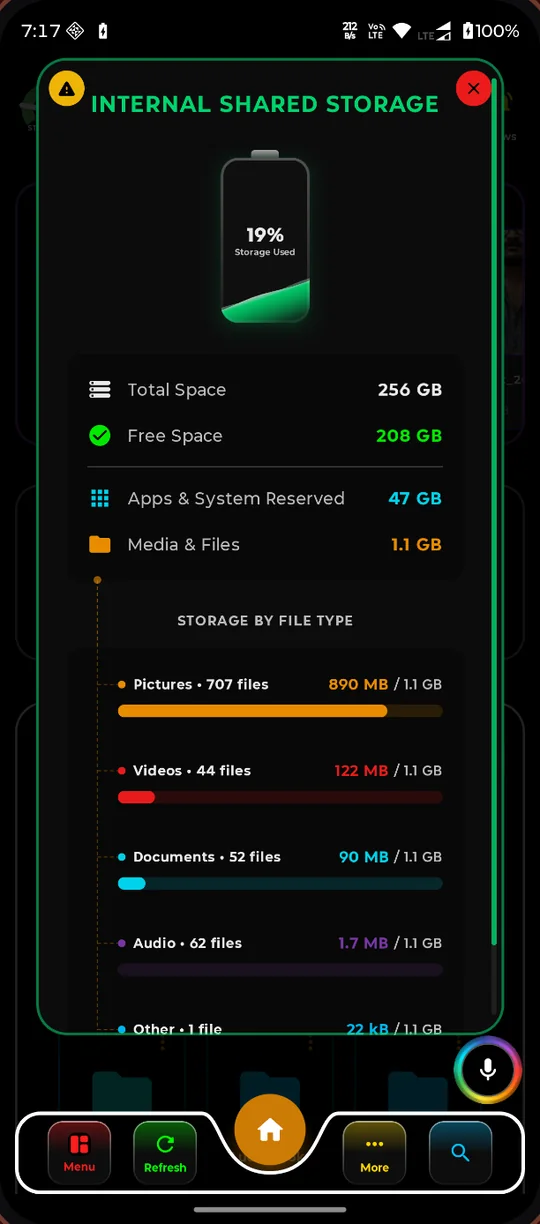
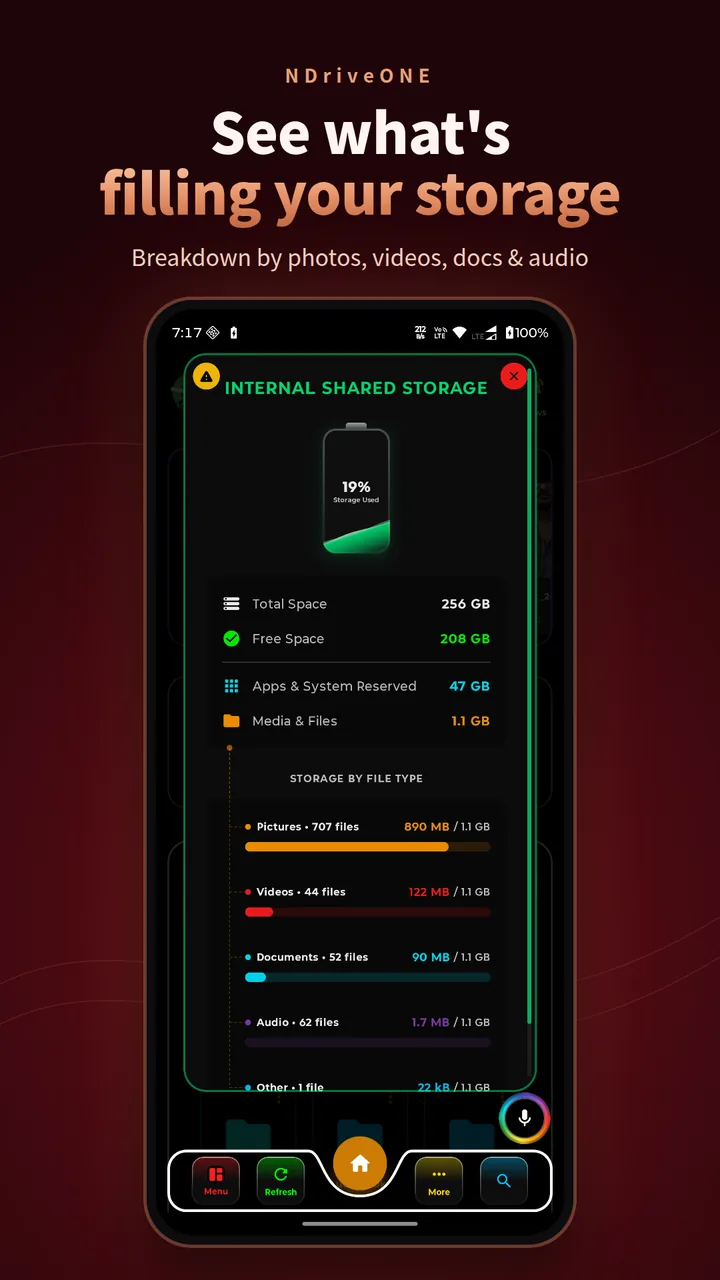
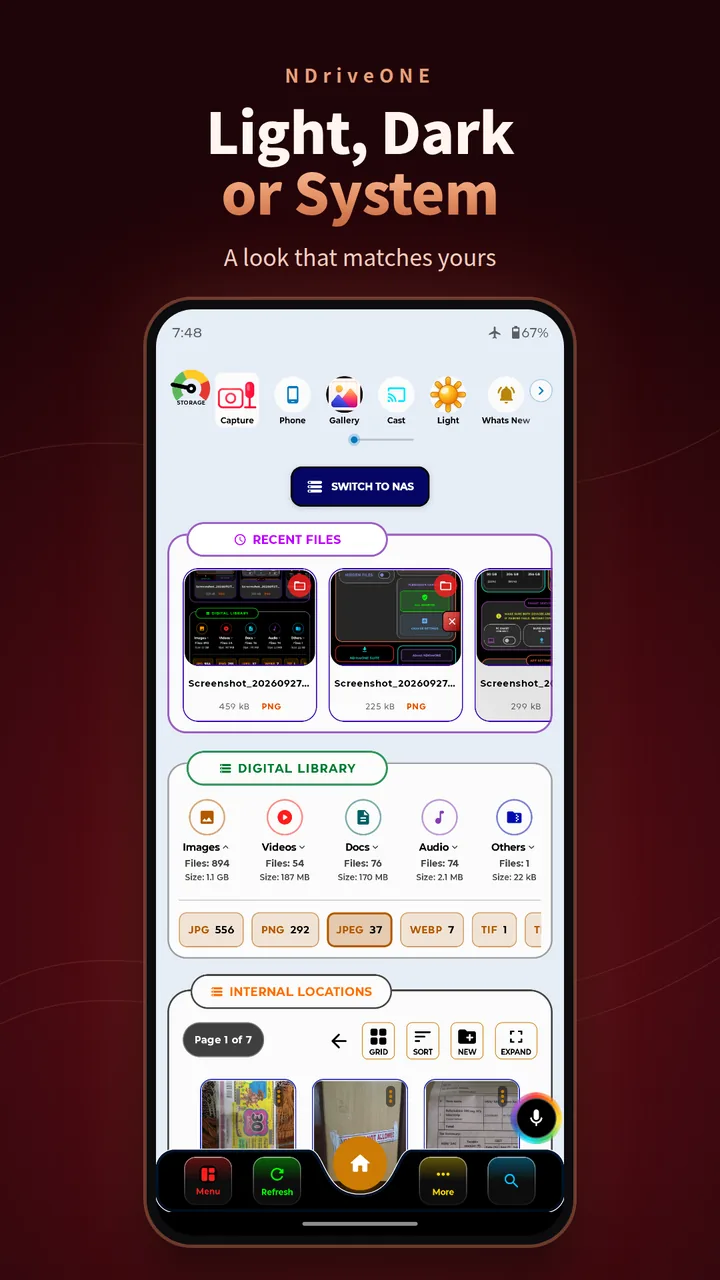
See what's filling your phone, with total, free and system space and a breakdown by photos, videos, docs and audio.
Three themes that follow your phone automatically, or say “change theme to dark”.
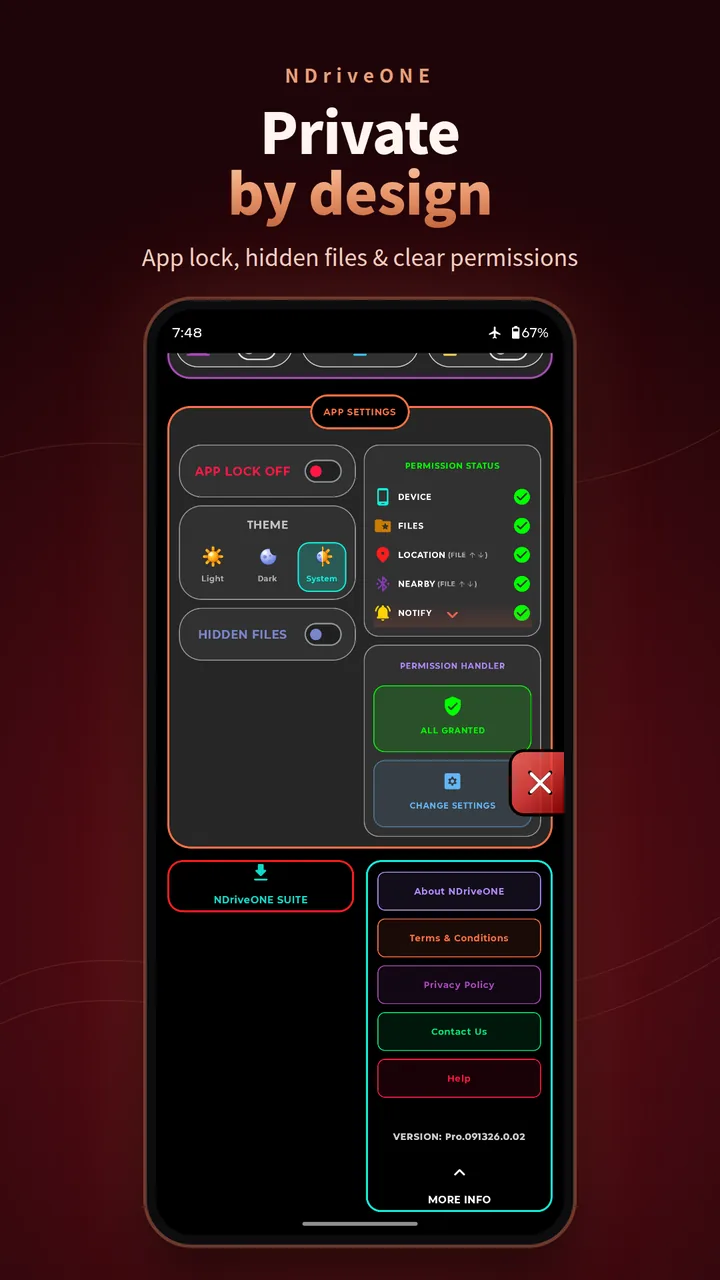
Lock the whole app and hide private files. A live permission panel shows exactly what's granted.
Open a browser on your computer and your phone appears as a full desktop. No cable and no install needed. A tiny server runs right on your device, over your local network.
Your phone sits at the centre. PCs, NAS drives, big screens and other phones connect straight to it over your own network, with no cloud in the middle.
NDriveONEYour phone Creative studio
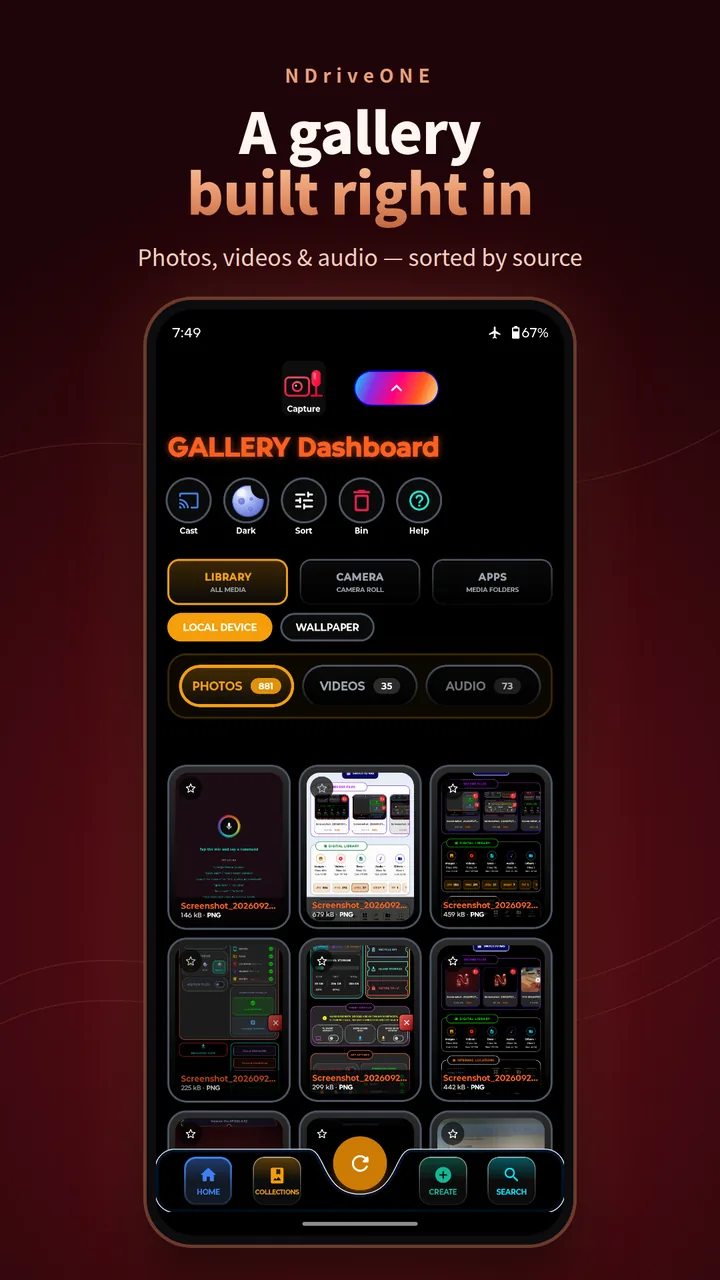
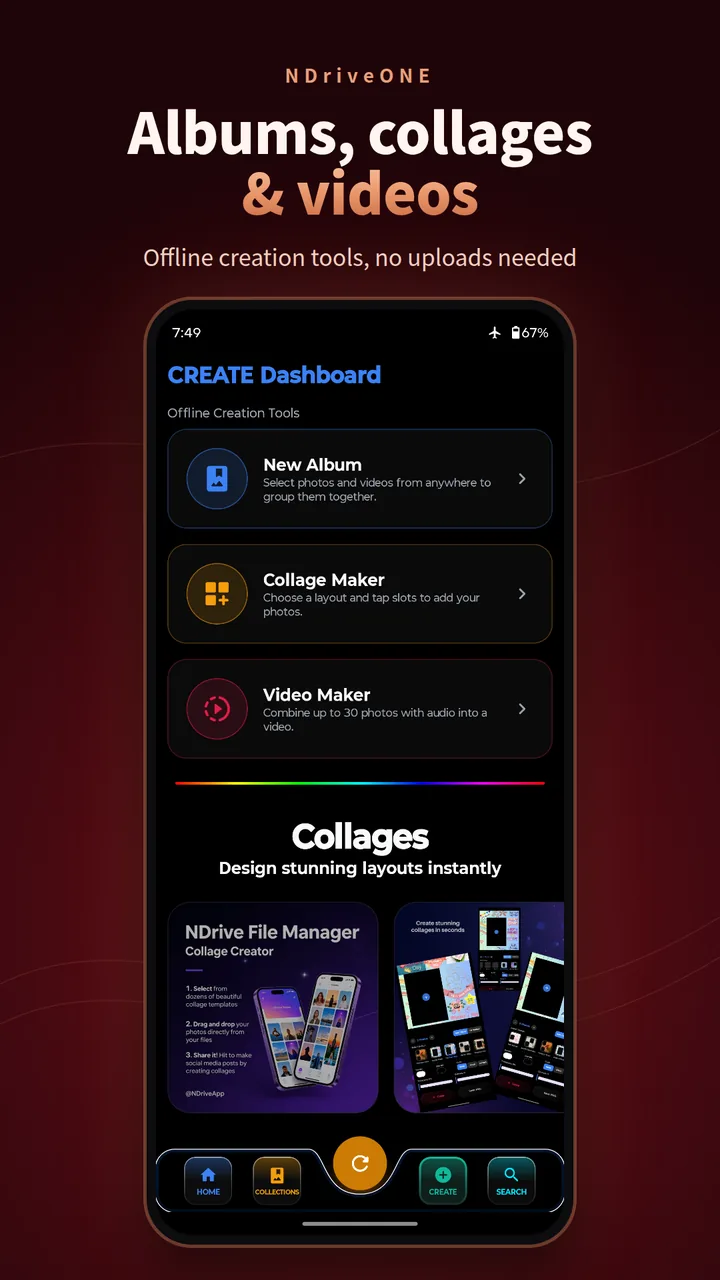
A full Gallery app ships built in, with its own home-screen icon. Photos, videos and audio are sorted by source (Library, Camera roll and media folders), with collections, wallpapers and search. Every tool runs offline.
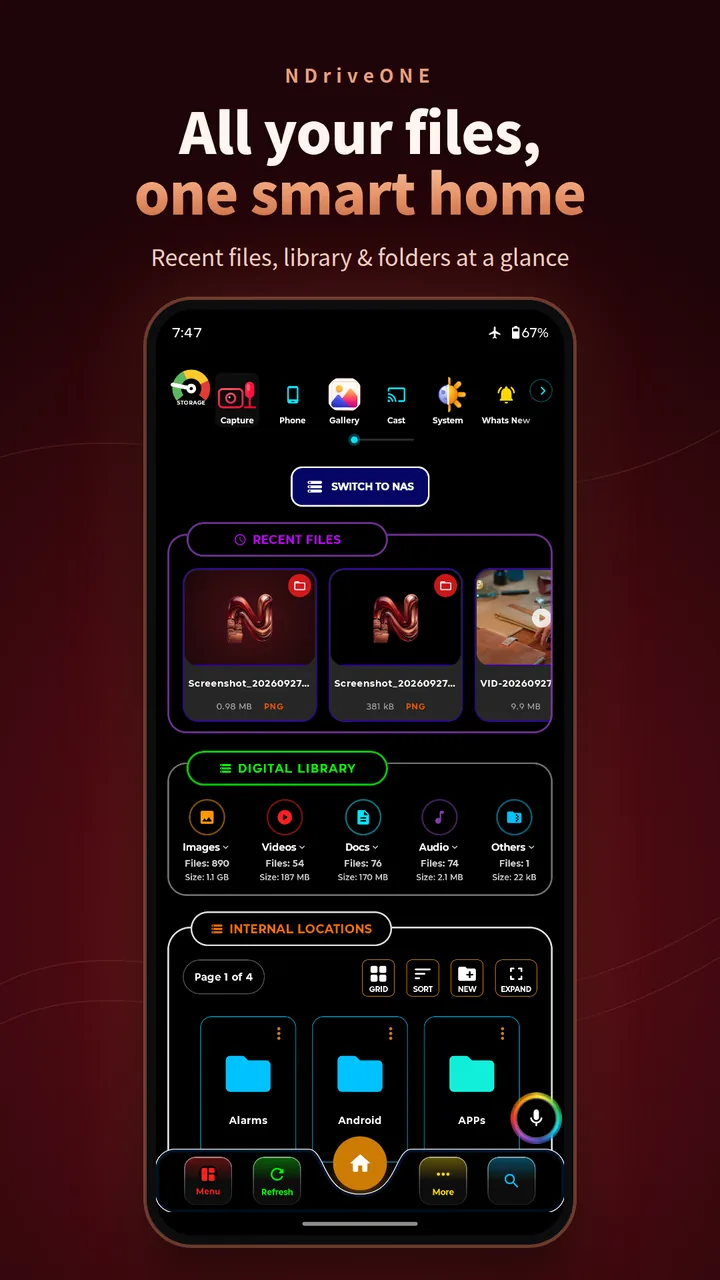
Swipe or drag through NDriveONE, straight from the Play Store listing.
There's no backend to breach. NDriveONE runs no servers that receive your files, and it needs no account.
Your files are read and changed only on your device.
No advertising SDKs and no behavioural trackers. Nothing is sold or rented.
NAS credentials are encrypted with hardware-backed Android Keystore.
PC Portal, Rapid Share, webcam and mirroring stay on your own network.
Start on Android, then pair your desktop for the full ecosystem.
The old NDrive File Manager (com.ndrive.ndrive) is no longer supported. It won't get support or future updates. Please uninstall it and install the new NDriveONE app.
The complete file manager, vault, portal and creative studio. Launching soon on Google Play.
The QR code and download link will appear here at launch.
Google PlayAvailable soonZero-cable sync with automated installers and firewall setup.
No. NDriveONE has no servers that receive your files. Viewing, editing, OCR, background removal, archive extraction and PDF tools all run on your phone. Files only leave the device when you send them, for example to your own PC or NAS.
When you start PC Portal, your phone runs a small web server on your local network. Open the address it shows in any browser on the same Wi-Fi or hotspot. From there you can browse files, drag and drop, mirror your screen, use the phone as a webcam and share a clipboard. Stop it any time.
All files access is the core of any file manager: it lets you browse, move, compress and organise everything. Android requires the location permission to scan for nearby Wi-Fi devices when you pair with your PC. NDriveONE never tracks, stores or shares your location.
Vault items are stored only on your device and we have no copy, so we can't recover them. Turn on biometric unlock as a backup, and keep your device protected with a screen lock.
Smart Connect supports SMB and SFTP, so it works with most home NAS boxes, Linux servers and Windows shares. Server addresses and passwords are saved in encrypted storage (Android Keystore, AES-256).
Join the local-first movement. One app for your phone, your PC and your NAS, with no cloud in between.
Questions, feedback or privacy requests? Write to us: